Smart downlights provide convenience and energy efficiency for modern homes. However, users often face frustrating connectivity problems. A common question arises: why do smart downlights keep disconnecting from WiFi? This issue can stem from various causes, including weak signals, interference, and software glitches.
Understanding these factors is crucial for effective troubleshooting. For instance, a weak WiFi signal may not consistently reach the downlights. Walls, furniture, and appliances can all obstruct signals. In addition, interference from other electronic devices can disrupt connections. Users might find themselves repeatedly resetting their downlights, leading to annoyance and potential dissatisfaction with smart home technology.
Addressing these disconnection issues requires a deeper look into the home network's setup. Reliable solutions often involve changing router settings or relocating devices. Yet, despite best efforts, not every approach guarantees a fix. This ongoing struggle between technology and connectivity highlights the need for continuous evaluation of one’s smart home environment.
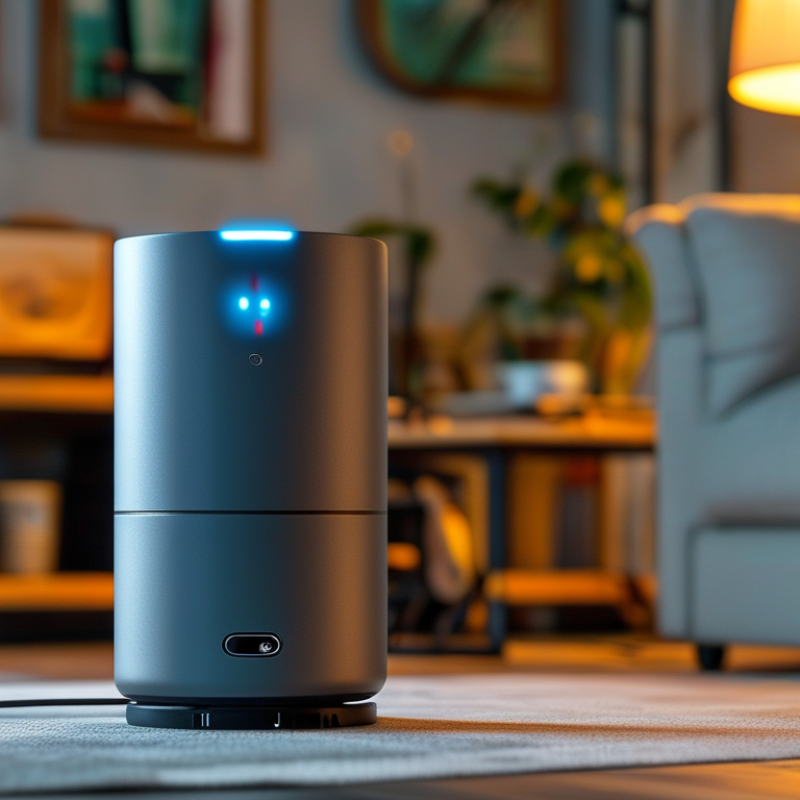
Common Reasons for Smart Downlights Losing WiFi Connection
Smart downlights offer convenience and ambiance in smart homes. However, they often face WiFi connectivity issues. Several common reasons contribute to these disconnections.
One primary issue is interference from other electronic devices. For example, microwaves, cordless phones, and baby monitors can disrupt signals. This interference can weaken the WiFi strength, leading to frequent drops. In addition, walls and furniture can obstruct signals, particularly in larger spaces. Smart downlights may rely on direct line-of-sight for optimal connection.
Network congestion can also play a significant role. When many devices are connected to the same network, competition for bandwidth increases. This strain can destabilize connections, especially if the router isn’t robust. The distance from the router influences the connection quality as well. Advanced smart home setups may need signal boosters to maintain reliability. Evaluating these factors can help identify why smart downlights are disconnecting.
Impact of Distance and Obstacles on WiFi Signal Strength
Smart downlights are becoming popular for their convenience. However, many users experience frequent disconnections from WiFi networks. One primary reason involves the impact of distance and obstacles on WiFi signal strength. When your downlights are far from the router, the signal diminishes significantly. Walls, floors, and large furniture can interfere with the signal.
If your downlights are installed away from the router, consider relocating your WiFi device. Sometimes, even slight adjustments can improve connectivity. Positioning the router in a more central location within your home enhances signal distribution.
Ensure there are minimal obstacles in line with your downlights and your router. Dense materials like brick or metal can hinder signal quality. To improve the situation, try using WiFi range extenders or mesh networks. These solutions help in maintaining a strong and stable connection throughout your space. Regularly checking your downlight’s firmware is also important. Outdated software can lead to connectivity problems. Taking these steps can mitigate issues and improve your experience with smart downlights.
Firmware Compatibility Issues Affecting Downlight Performance
Smart downlights often offer convenience, but WiFi connectivity issues can be frustrating. One common reason is firmware compatibility. Outdated firmware may lead to performance degradation, causing frequent disconnections. Many users might overlook the significance of regular updates, assuming their devices always function well. However, firmware plays a crucial role in ensuring seamless communication with your WiFi network.
The potential for connectivity issues increases if firmware is not compatible with your router. This scenario can lead to unstable connections, especially in larger homes. Regularly checking for firmware updates can help mitigate these problems and enhance overall performance. Users may need to consult the product documentation to ensure compatibility with their existing network equipment.
Tips: Ensure your downlight firmware is up to date. Connecting to a reliable network can stabilize performance. Occasionally, rebooting your router may resolve temporary connection issues. Be open to refining your setup if challenges arise. Analyzing the network environment is key, as interference from other devices can disrupt signals too. Taking time to assess and adjust might make all the difference in maintaining smooth connectivity.
Smart Downlights WiFi Disconnection Issues
This chart illustrates the weekly instances of disconnections experienced by smart downlights over a five-week period, highlighting potential firmware compatibility issues affecting performance.
Interference from Other Devices Reducing WiFi Stability
Smart downlights can be a great addition to modern homes, but they often face a common issue: WiFi disconnections. One major factor is interference from other devices. A report by the Federal Communications Commission (FCC) highlights that many household devices operate on the same frequency ranges as WiFi, causing significant disruptions. This includes microwaves, cordless phones, and even Bluetooth devices.
The impact of this interference is substantial. Studies indicate that over 30% of users experience connectivity issues due to these conflicting signals. This interference leads to frustrating moments when users cannot control their lighting effectively. Moreover, as smart homes become more common, the number of interconnected devices continues to rise. This increases the likelihood of signal congestion, making stable WiFi even harder to achieve.
A practical solution involves strategically placing your router away from potential sources of interference. Ensuring minimal obstacles between devices can also help. However, it's essential to regularly assess your home network's performance. Sometimes, a simple reset of the router can alleviate lingering connection issues. Recognizing these challenges allows for more effective troubleshooting when it comes to enhancing your smart lighting experience.
Troubleshooting Steps to Improve Connectivity of Smart Downlights
Smart downlights can improve your home’s ambiance, but connectivity issues can be frustrating. Many users report disconnections from WiFi, disrupting use and enjoyment. Troubleshooting these problems can enhance your experience and restore functionality.
One common cause of disconnection is distance from the router. The farther your downlights are, the weaker the signal. Ensure your router is centrally located in your home. Placing it high and in an unobstructed area can help. Check for walls or large furniture that might block the signal.
Interference from other devices might also be a culprit. Appliances like microwaves and cordless phones can disrupt WiFi signals. Try changing the WiFi channel through your router settings. This might reduce interference and improve connection stability. Regularly updating your downlight's firmware can also resolve lingering issues. Always follow the manufacturer's guidelines for updates.
For optimal performance, consider using a mesh WiFi network. This system spreads a stronger signal throughout your home. It reduces dead zones and can keep your smart downlights connected. Adjusting settings and reviewing usage patterns can lead to more reliable connectivity.
Why Do Smart Downlights Keep Disconnecting From WiFi Issues? - Troubleshooting Steps to Improve Connectivity of Smart Downlights
| Issue |
Possible Causes |
Troubleshooting Steps |
Tips for Improvement |
| Frequent Disconnections |
Weak WiFi Signal, Interference from Other Devices |
Reposition the router, Use WiFi Range Extenders |
Update firmware, Reduce interference sources |
| Connection Loss After Power Outage |
Router Restart, Smart Downlight Settings Not Saved |
Check router settings, Reconfigure smart lights |
Use a UPS for router to prevent outages |
| Slow Response Times |
Network Congestion, Insufficient Bandwidth |
Limit other devices' bandwidth usage, Restart router |
Upgrade to a higher speed plan, Use 5GHz band if available |
| Inability to Connect |
Incorrect WiFi Credentials, Outdated App |
Verify WiFi credentials, Update the smart home app |
Use secure passwords and store them safely |
| Flashing Lights |
Connection Attempts, Software Issues |
Reset light, Check connection settings |
Regularly check for updates on lights |
FAQS
: Signal interference from microwaves or cordless phones may cause disconnections.
The farther the downlights are from the router, the weaker the signal may become.
Yes, they can obstruct the signal, especially in larger areas.
Try changing the WiFi channel in your router settings to reduce conflicts.
Yes, many connected devices can compete for bandwidth, disrupting connections.
Consider positioning your router centrally and high to avoid obstructions.
Yes, regular updates can fix bugs and help maintain a stable connection.
It spreads a stronger signal throughout your home, reducing dead zones.
Definitely. Reviewing how and when you use your downlights can help.
Not positioning the router well or ignoring firmware updates can lead to issues.
Conclusion
Smart downlights have become increasingly popular, but many users face the frustrating issue of why do smart downlights keep disconnecting from wifi. Common reasons for this recurring problem include poor WiFi signal strength, often affected by the distance between the downlight and the router or obstacles like walls and furniture. Additionally, firmware compatibility issues can hinder performance, leading to unstable connections.
Interference from other devices, such as microwaves or Bluetooth gadgets, may also reduce WiFi stability, exacerbating disconnection problems. To improve connectivity, users can follow specific troubleshooting steps, such as repositioning routers, minimizing obstacles, updating firmware, and reducing interference from other electronic devices. By addressing these factors, the reliability of smart downlights can be significantly enhanced, ensuring a seamless smart home experience.

 Jable Light